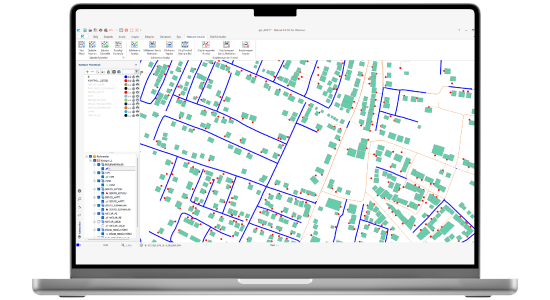
Network Analysis is the Netcad solution used to perform impact and accessibility analyses for infrastructure network elements in the electricity, water, and natural gas sectors. After establishing the topology rules and the relationships between network elements, the flows affected by or influencing the flow control element from the selected point onward are displayed. It allows you to identify elements that cannot be accessed geometrically without checking network settings and elements that cannot be supplied from the source according to your network definitions. With Network Analysis, companies can determine, during failure and maintenance situations, which elements from network lines, structures, and service points can reach subscribers, and analyze inaccessible network elements. Before starting the analysis process for the created network, faulty connections can be detected through the topology control capability, and necessary adjustments can be made. With its special capability to locate the flow control elements that need to be intervened in case of malfunction, you can plan the orientation of field teams. You can easily transfer CAD data to the database with a single click within any desired area or the entire network plan. With customized analysis tools, you can directly obtain analysis results for your lines, service points, or structures.
Thank you, we have received your form. We will get back to you as soon as possible.
There are incorrect fields, please check and resubmit.
Explore detailed specifications and technical descriptions on the technical specifications page.
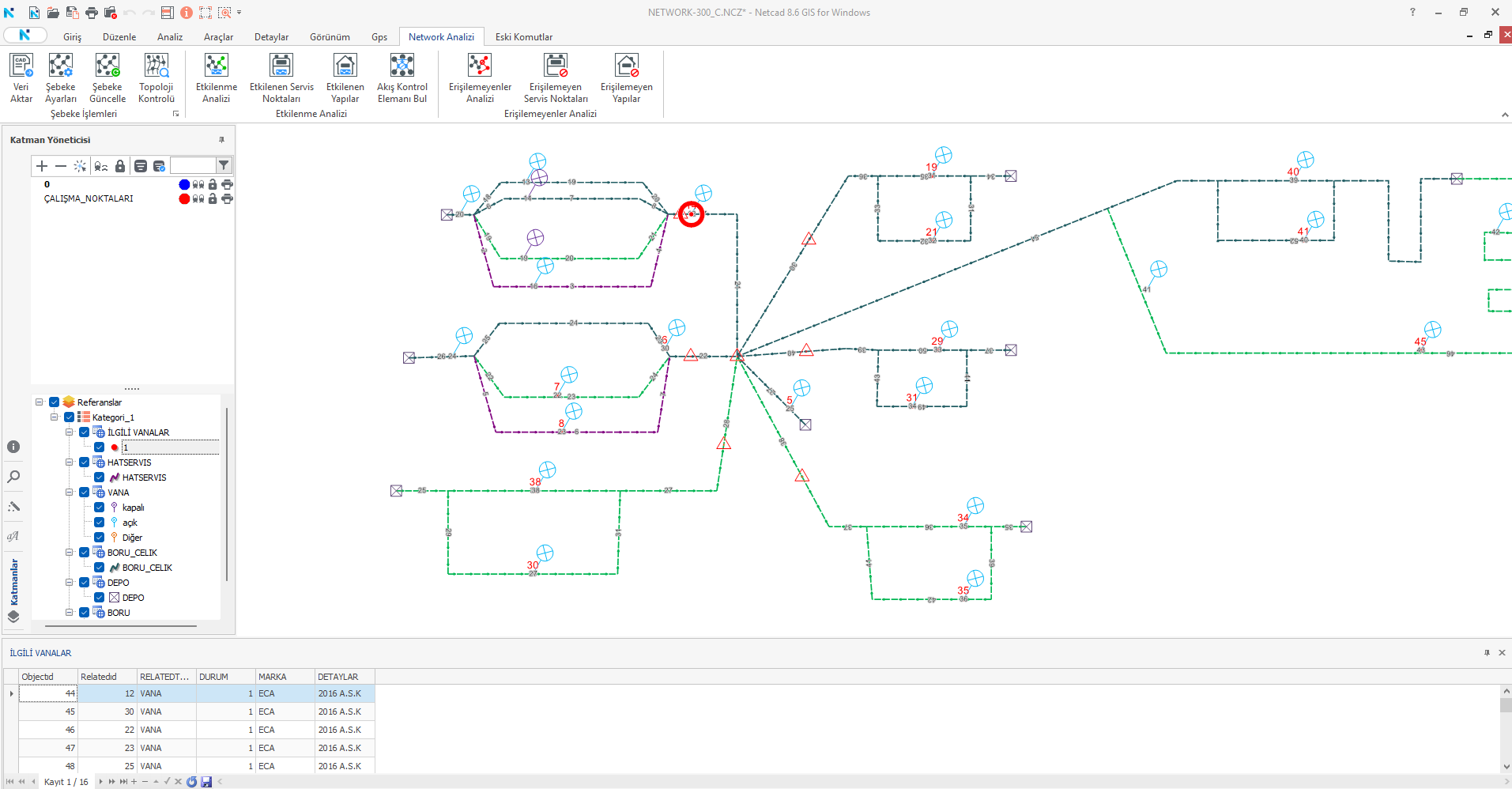
Impact Analysis
Access your affected lines by taking into account the open-closed status of your flow control elements starting from any selected point or selected network element.
Accessibility Analysis
Identifies the lines that cannot be supplied from the source or are not connected to the network due to a flow control element that remains closed and lies outside your snap and topology rules.
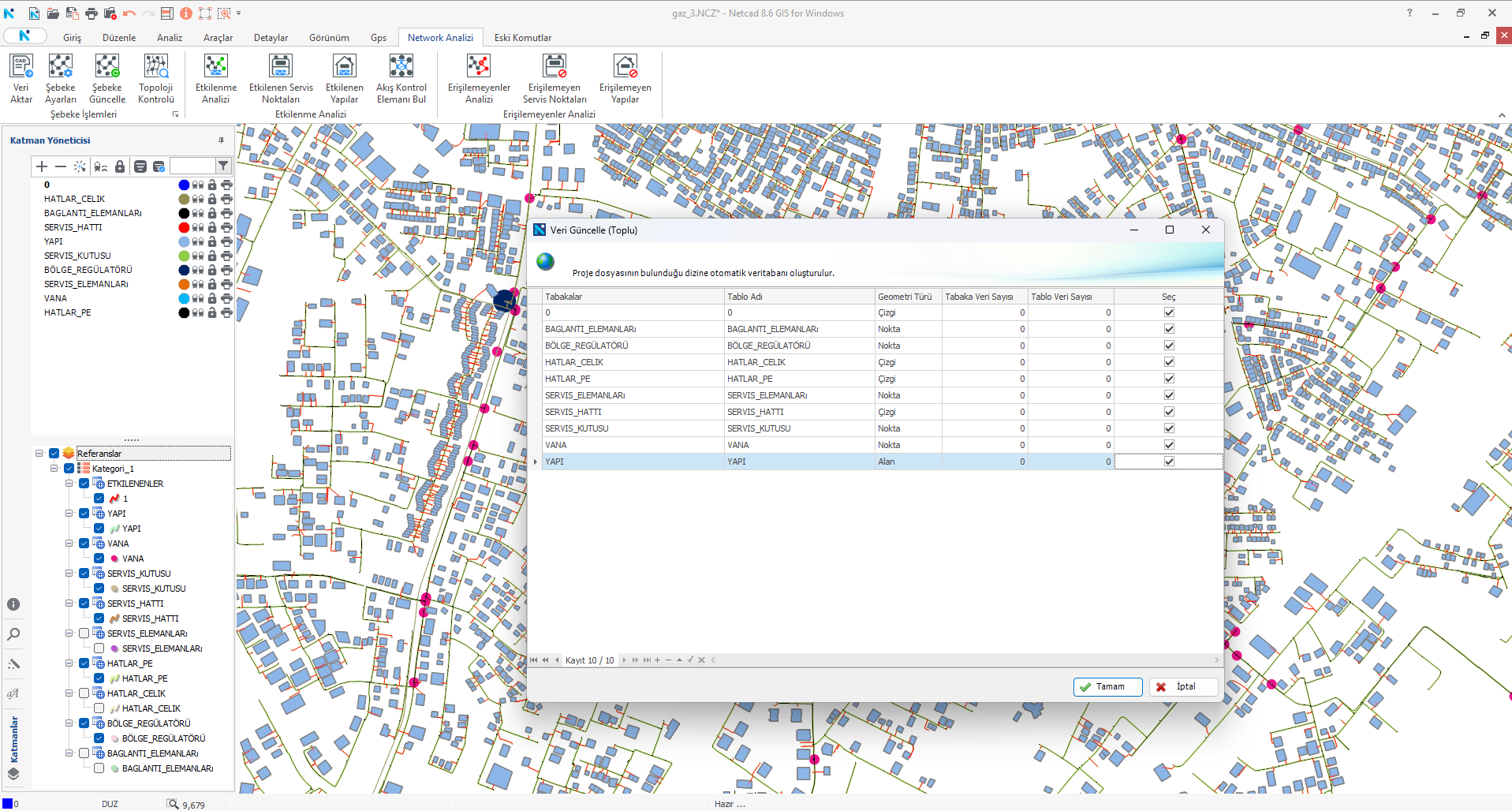
Transfer CAD Data
Transfers your objects belonging to different geometry types such as point, line, and polygon found in CAD layers to the database using the “Data Transfer” capability.
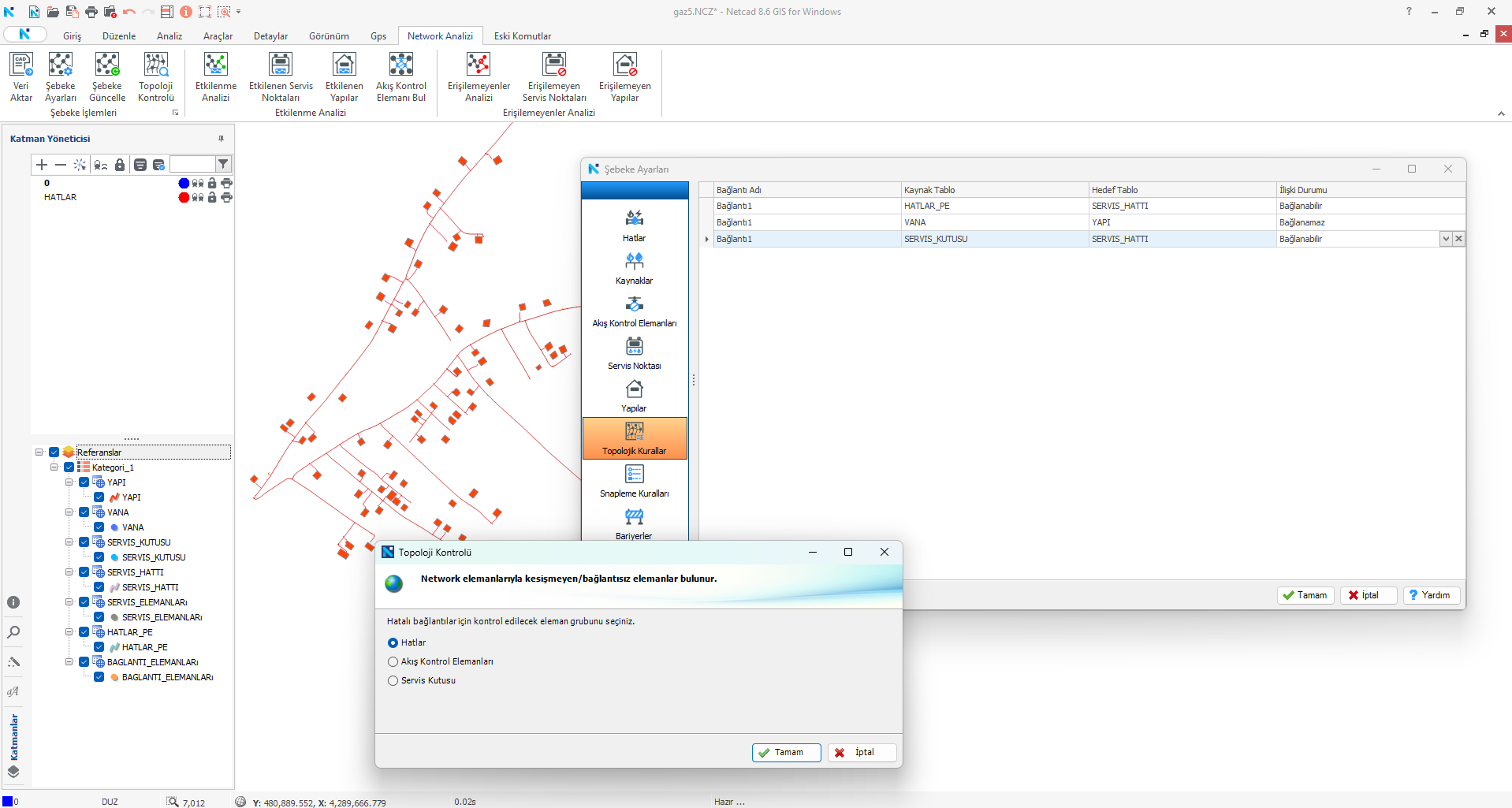
Topology Control
Checks whether the lines, service points, and flow control elements defined for the network are in the correct positions in the network plan, preventing incorrect analysis results.
Find Flow Control Element
With the capability used to detect the flow control elements feeding the network line, it identifies the control elements to which the field teams will be directed, ensuring that other subscribers are not affected by possible interruptions.
VIDEOS
Network Analytics Introduction and Feature Videos
Check out informative promotional videos about product features.
Transfer Data | Network Analysis
Network Settings | Network Analysis
Impact Analysis | Network Analysis
Affected Service Points | Network Analysis
Affected Structures | Network Analysis
Unreachable | Network Analysis
Unreachable Service Points | Network Analysis
Inaccessible Structures | Network Analysis
F.A.Q.
Frequently Asked Questions About Network Analysis
Which types of analyses can we perform with Network Analysis?
With the Network Analysis 2.0.0 version, you can perform impact and accessibility analysis operations for infrastructure networks. Analysis operations can also be performed separately for network lines, service points, and structures.
Are there tools available for performing topological checks?
With the Network Analysis product, you can create the network by considering geometric checks. With the topology control capability, you can check whether your network has been established correctly within the rules you have defined before performing analysis operations.
Can analysis be performed using CAD and spatial data?
All analysis operations are performed using spatial data. CAD data is not considered during analysis operations, but you can easily transfer your CAD layer data to the database with a single button using the Data Transfer capability.
How can we view the analysis results?
After establishing topology and rule definitions, you can perform the analysis from any point. Following the analysis, you can manage your results through thematic representation on layers, table displays, and relationships in the database.
What should be considered during the network creation process?
Primarily, data entry should be done from the screen where the network elements are defined in the network settings window. After defining geometric and verbal rules with snapping and topology rules, you can perform your analysis by considering the elements whose connections could not be established through the topology control.
Contact
Easily contact our sales representatives or technical support team