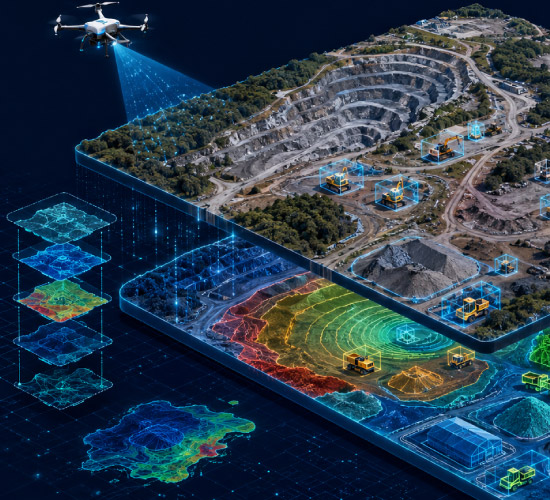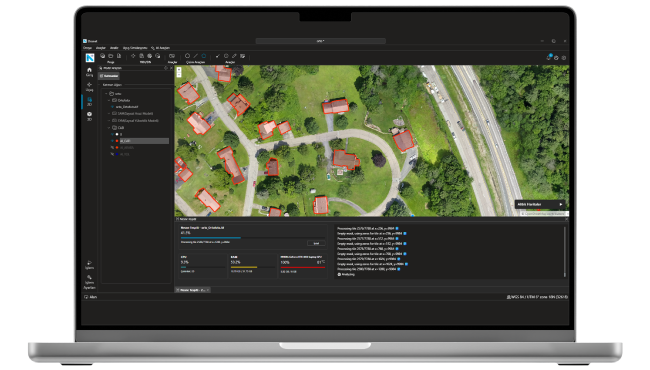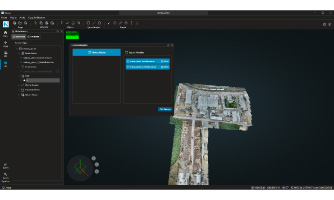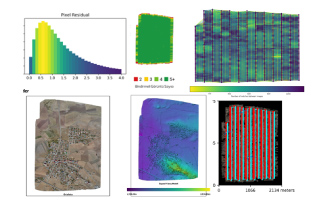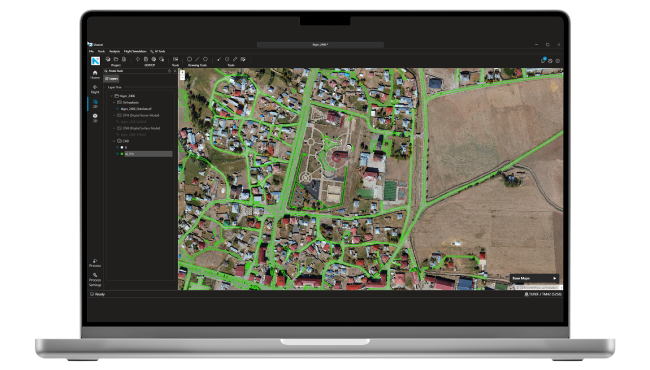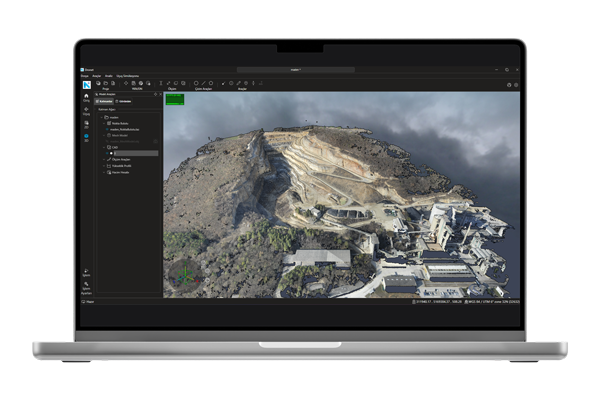
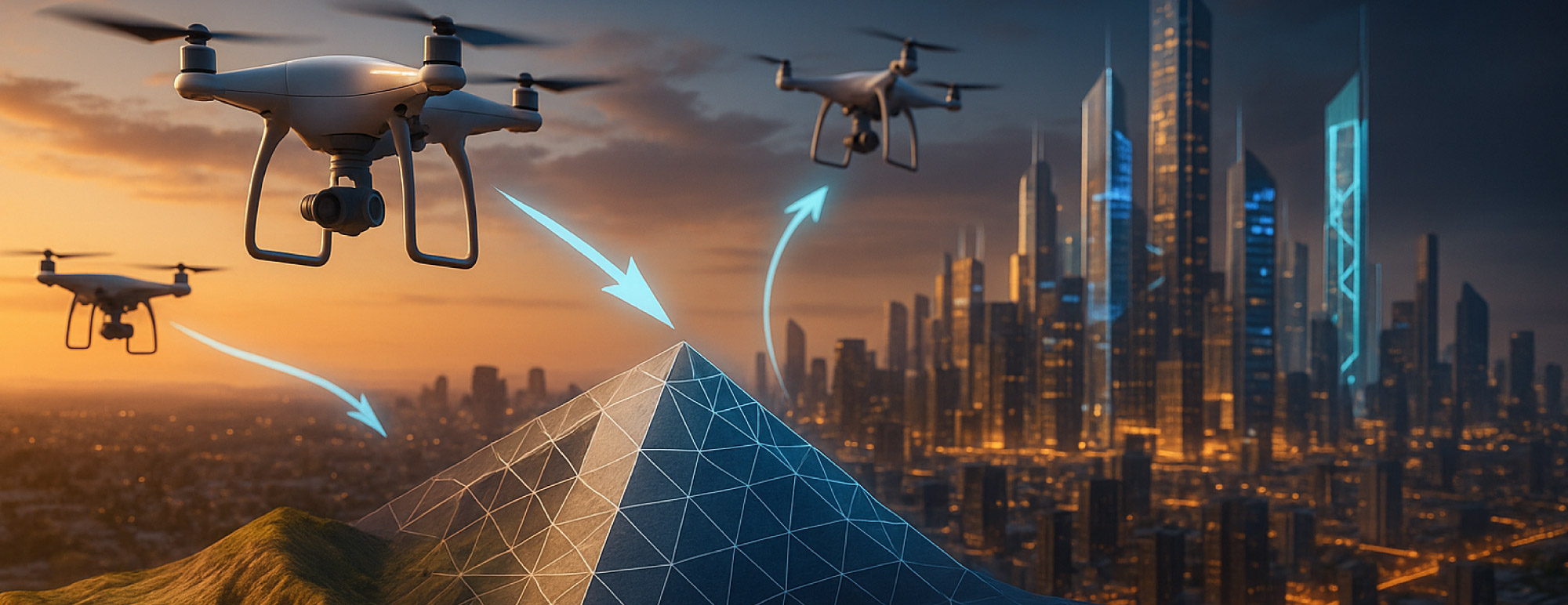
Dronet is a Netcad solution that produces and analyzes photogrammetric data. It is a desktop application capable of generating coordinated data such as orthophotos, mesh models, digital terrain and elevation models from raw drone photographs. With 2D and 3D project templates, users can easily start modeling and analysis processes appropriate to their needs. Data accuracy is increased with EXIF information, RTK support, and GCP/CP integration.

Dronet supports advanced spatial analyses such as extracting height profiles, calculating volumes, and slope analysis using the generated point cloud and mesh model data. It works fully compatible with CAD data, enabling operations such as editing, layer management, and exporting. With its flight simulation feature, impressive video outputs can be produced from the created models. Thus, strong visual materials can be obtained for exploration, planning and presentations.

The application offers comparative orthophoto analyses and model merging capabilities to track changes occurring over time. By combining raster and point cloud data, more comprehensive analyses can be performed over larger areas. With all these capabilities, Dronet is a powerful and comprehensive solution for engineering, planning, and terrain analysis.

Contact Us

Thank you, we have received your form. We will get back to you as soon as possible.
There are incorrect fields, please check and resubmit.

Key Features of Dronet

FEATURES

Key Features of the Product

Explore detailed specifications and descriptions on the technical specifications page.

Technical Specifications
Photogrammetric Data Production
Photogrammetric data such as point clouds, orthophotos, digital terrain models, digital surface models, and mesh models with coordinates can be produced from raw aerial photographs captured by drones. These data can be effectively used in mapping, analysis, and engineering projects, providing high accuracy.
2D and 3D Project Templates
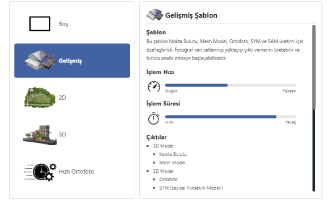
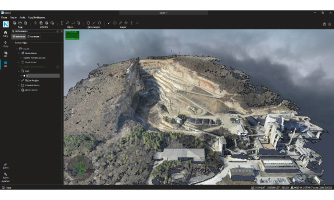
The data production process is initiated by selecting 2D or 3D project templates according to user requirements. With the 2D template, orthophotos and surface models are generated, while the 3D template allows the creation of detailed outputs such as point clouds and mesh models.
Photo and EXIF Management
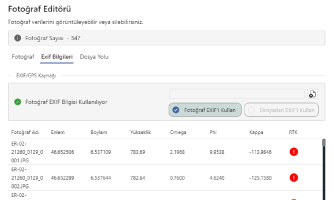
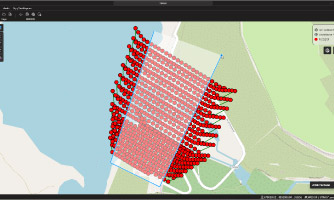
EXIF information in the photos is automatically read and integrated into the system with X, Y, Z coordinates and orientation parameters. RTK-supported flight information can be viewed; positional accuracy can be further improved by loading data from an external file.
Advanced Processing Settings
Before starting 2D and 3D production, quality parameters can be defined. Steps such as preprocessing, terrain modeling, and mesh generation are optimized based on user-specific settings, ensuring fast and high-quality data production.
Point Cloud and Mesh Management
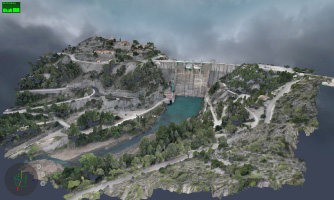
The produced point cloud and mesh data can be used in various analyses and exported in different formats (.las, .laz, .obj, .glb, .dxf). Unwanted objects can be removed from the mesh model to perform volume analyses aligned with the natural terrain structure.
Flight Simulation and Video Production
Virtual flight videos can be created from mesh or point cloud data. With these simulations that provide a real flight experience, impressive and informative video content can be produced easily for exploration, presentations, and planning purposes.
CAD Integration and Layer Management
CAD drawings can be integrated into the project and edited. Operations such as defining intermediate elevations, adding vertices, and changing colors can be performed. Layers can be exported in .dxf format, enabling data exchange with different engineering software.
Analysis and Comparison Tools
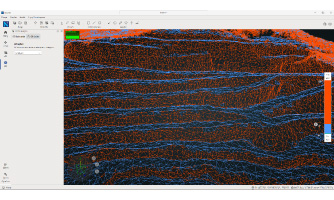
Offers comprehensive analysis tools such as height profile extraction, volume calculation, raster comparison, and slope map creation. Changes occurring over time can be easily monitored, reported, and used as strong decision support in engineering projects.
F.A.Q.

Frequently Asked Questions about Dronet

What types of data does Dronet process?
Dronet processes raw photographs captured by drones. It produces outputs such as Orthophoto, Mesh Model, Digital Terrain Model (DTM), and Digital Surface Model (DSM) from these photos.
What analyses can be performed with Dronet?
Volume calculation, height profile extraction, terrain cleaning, drawing and digitization, flight simulation, and model merging can be performed through Dronet.
Does the application work without an internet connection?
Yes. Dronet is a desktop software and its basic functions can be used offline. However, periodic internet access may be required for license checks and updates.
What outputs can be obtained with Dronet?
·      TIFF: Orthophoto, DSM, DTM
·      OBJ / GLB: Mesh Model
·      LAS / LAZ: Point Cloud
·      DXF: Digitized Vector Data
Which coordinate systems are supported?
Dronet supports national and international coordinate systems with EPSG codes, including Turkey Coordinate Systems (ED50, TUREF). Outputs can be transformed into the desired coordinate system.
Is there GCP (Ground Control Point) support?
Yes. Dronet improves accuracy in photogrammetric processes using GCP (Ground Control Point) data. GCPs can be easily integrated into the project.
Is user intervention required during photogrammetric processing?
Dronet offers automated workflows with a user-friendly interface. However, if needed, the user can manually adjust model creation parameters (for example, GCP editing).

Contact

Easily contact our sales representatives or technical support team

Sales

Reach our sales representatives quickly
bilgi@netcad.com

Technical Support

Dronet Support with 24/7 service approach
Netdesk

Call Us

Ankara Office
+90 312 265 05 10
İstanbul Office
+90 216 417 62 10

Visit

Visit our contact page for our Ankara and Istanbul Office locations
Contact

Dronet
E-Mail Subscription

Thank you! We have successfully registered your subscription.
Subscription could not be sent, please make sure you have entered a valid email address or do not forget to mark the required fields.